🔍 Overview of Webhook Step
The Webhook Step sends an API request that delivers all call information, such as caller number, agent name, call state, IVR inputs, etc., to an external system.
This enables actions like data updates or notifications based on the IVR call flow.
⚙️ Configuration
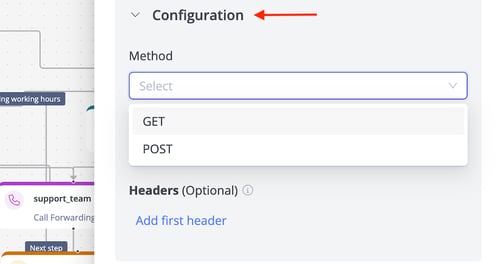
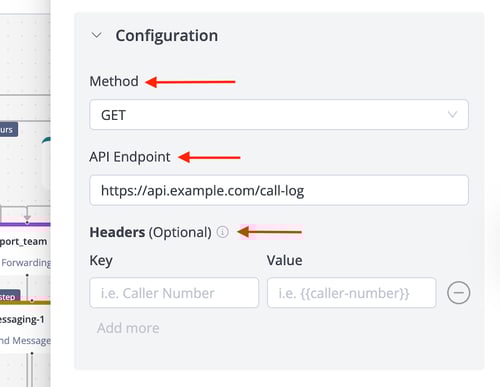
- 📝 Method: Specifies the API request method (e.g., GET, POST).
- Example: Use POST to send call data to a CRM system for logging.
- 🌐 API Endpoint: The URL to which the API request is sent.
- Example: https://api.example.com/call-log to log call details.
- 🗝️ Headers: Additional headers for authentication or authorization, such as API keys or tokens.
- Example: Include a header like Authorization: Bearer xyz123 for secure access.
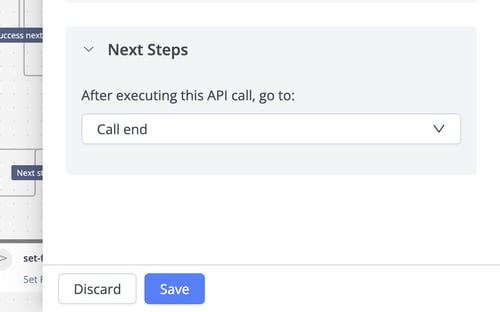
⏭️ Next Steps
- After executing the API call, go to: Defines the next IVR step after the API request is sent.