🔍 Overview of Voicemail Step
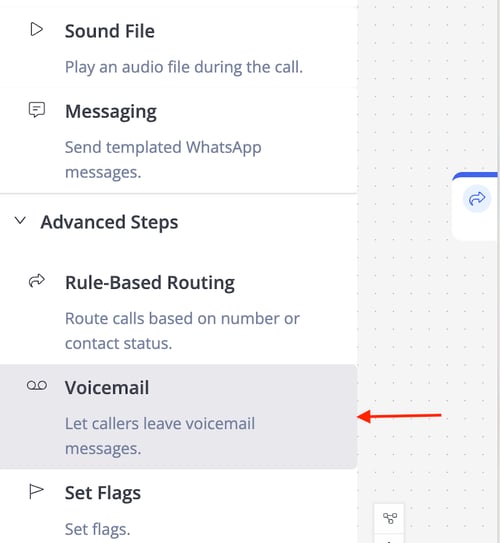
The Voicemail Step allows callers to record a voice message that is stored in the system for later review by agents or administrators.
⚙️ Configuration
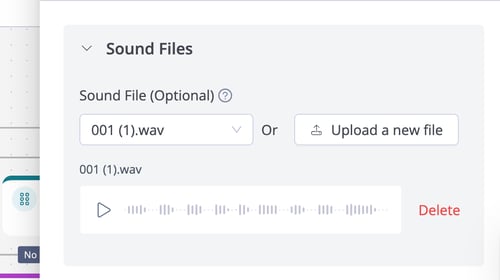
Sound File
An audio file is played to the caller before recording begins, such as a prompt or greeting.
- This sound file is optional in the voicemail step.
- Example: A file saying, "Please leave your message after the tone," guides the caller to start recording.
Sound File Upload
- Upload a new audio file or select from the library of previously uploaded files.
- Supported Formats: .mp3 and .wav.
⏭️ Next Steps
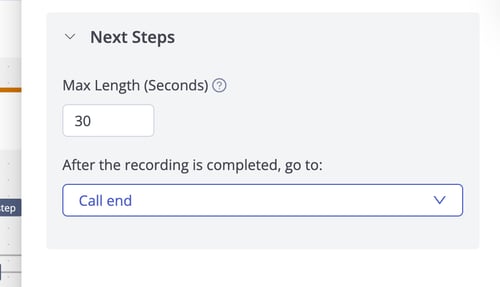
- Max Length (Seconds): Defines the maximum duration for the voicemail recording
- After the recording is completed, go to: Specifies the next IVR step after the caller finishes recording.