
With Maqsam’s seamless integration with Salesloft, your team can access all customer call interactions and related information directly within the Salesloft interface.
🌟 Why Integrate
- Centralized view of your customer interactions.
- Improved productivity for your sales team.
- Quick and super easy setup.
✅ Before You Begin
To complete the integration, you will need:
- An Admin account on Maqsan.
- An Admin account on Salesloft.
How to Set Up the Salesloft Integration
Step 1: Access Salesloft
Go to the Salesloft login portal and login using your credentials. 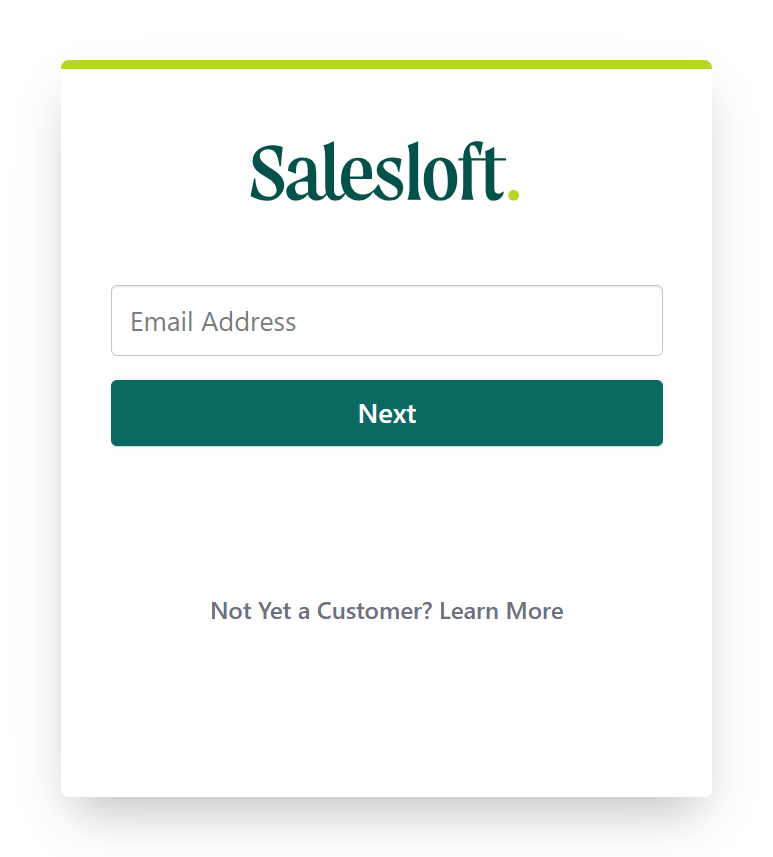
Step 2: Generate API Key
- Navigate to the OAuth (Open Authorization) page using this link.
- Create a new API key.
- Copy the API key as you will need it for the next steps.
Step 3: Access Maqsam Portal
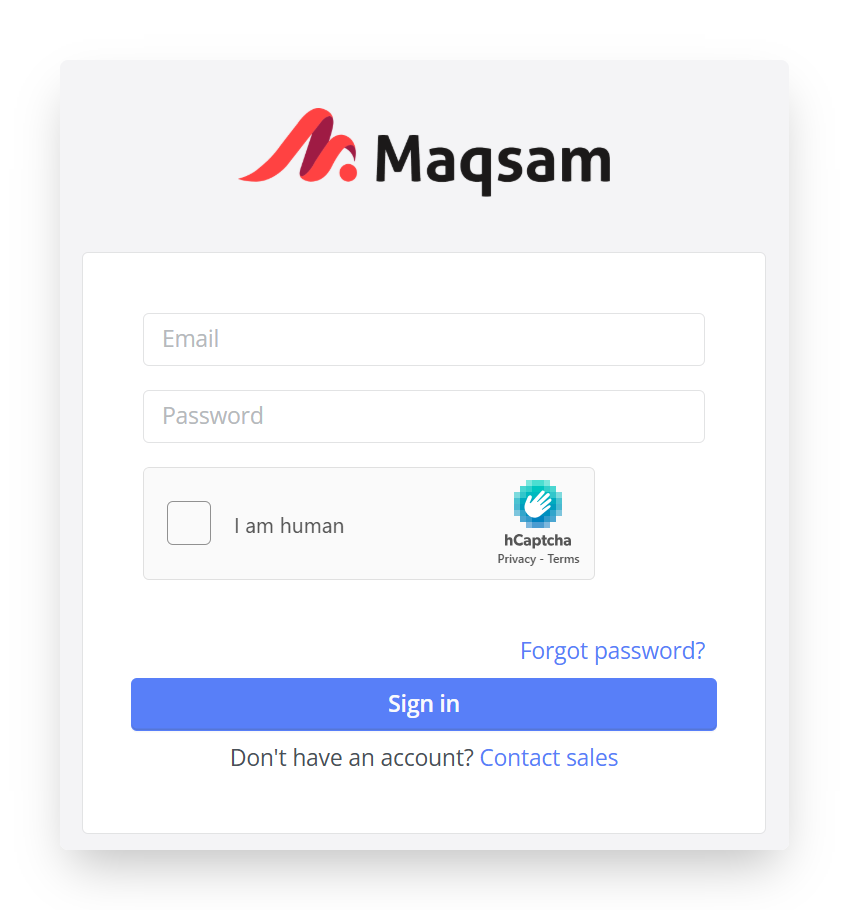
Go to the Maqsam portal and login using your admin credentials.
 Step 4: Complete the Integration
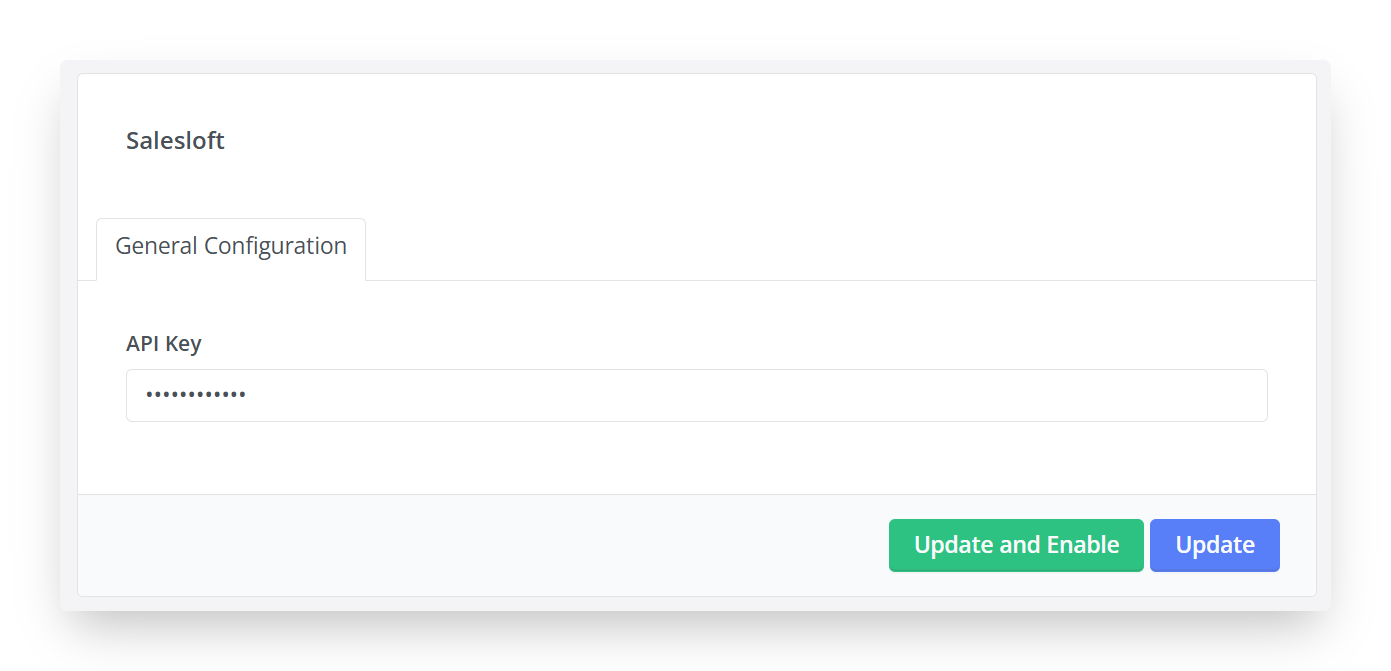
- Go to Account Settings → Integrations.
- Choose Salesloft.
- Paste the API key you copied earlier.
- Click “Update and Enable” to save your changes.
 💬 Need help?
We’re here for you! Reach out anytime at support@maqsam.com.