
Our AI-powered call sentiment analysis evaluates customer service calls to detect satisfaction levels. Advanced natural language processing determines sentiment and categorizes calls as positive, negative, or neutral.
How to Check Call Sentiment
Call Sentiment can be found in the following placements:
There is a column in the call log page that shows each call sentiment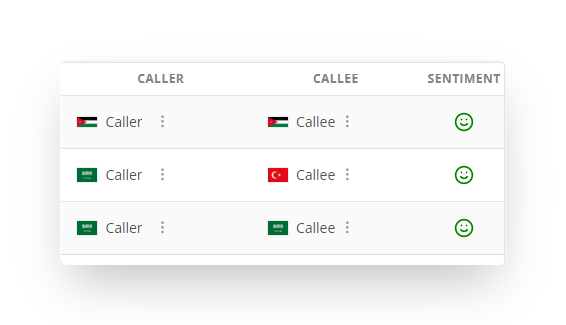
For multiple recording calls, you can find the sentiment on the call detail page for each recording
How to filter Calls by Sentiment
- Log in to Maqsam and click on the Calls tab.
- Click on the filter, and find the sentiment field
- Select the sentiment you want to filter for
- The filtered result will show up based on the sentiment you chose